

Product Inventory: Medications, Vaccines & Merchandise
The Product page is the master catalog for everything the clinic buys, stocks, and dispenses — medications, vaccines, food, surgical consumables, and retail merchandise. Use it to track stock levels, set reorder thresholds, manage batch numbers and expiry dates, and link products to suppliers.
How to access
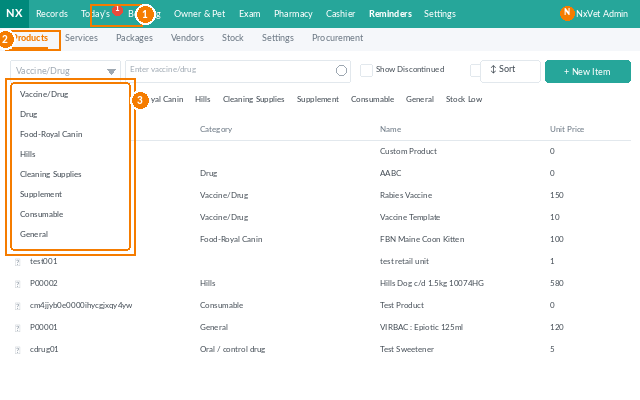
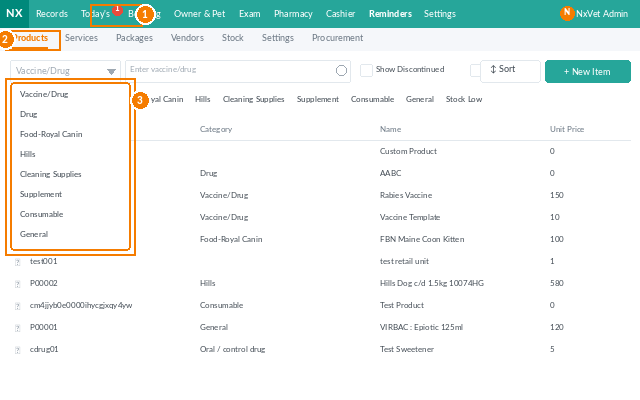
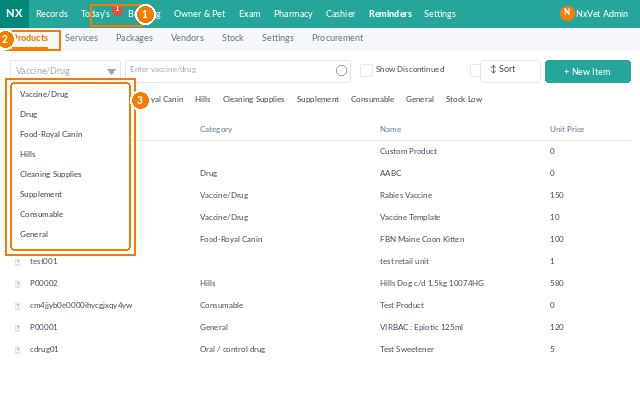
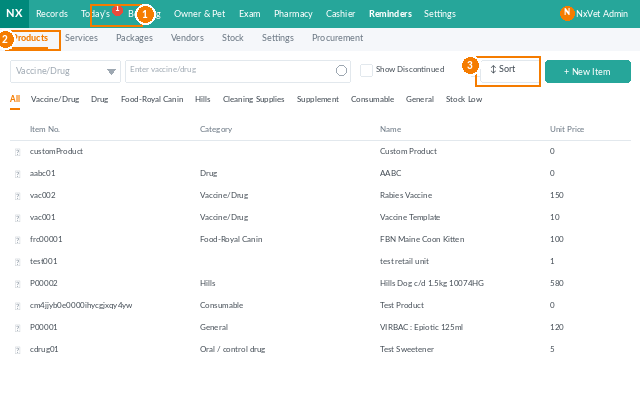
- From the main menu, click Inventory.
- Click the Product tab.
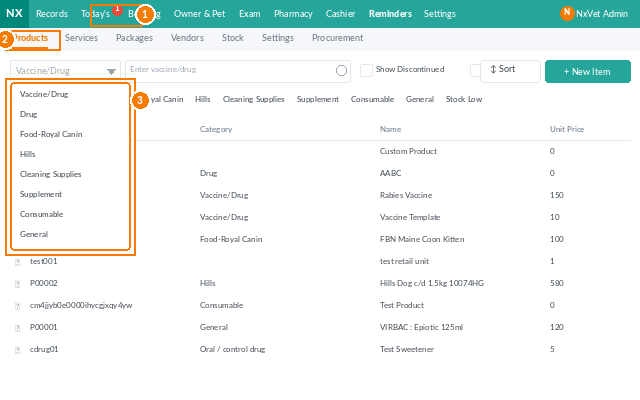
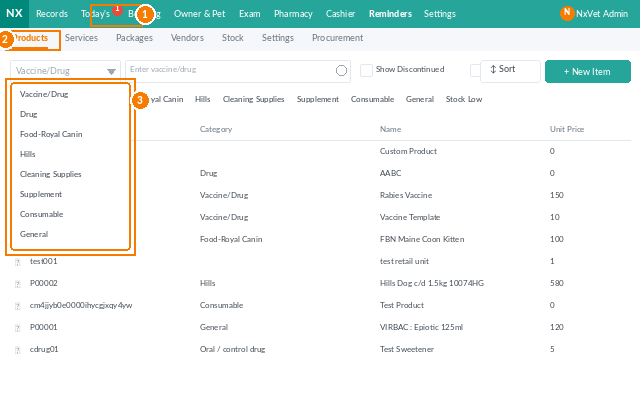
- Filter the catalog by category, supplier, stock status (low / out / sufficient), or search by product name or SKU.
Adding a new product
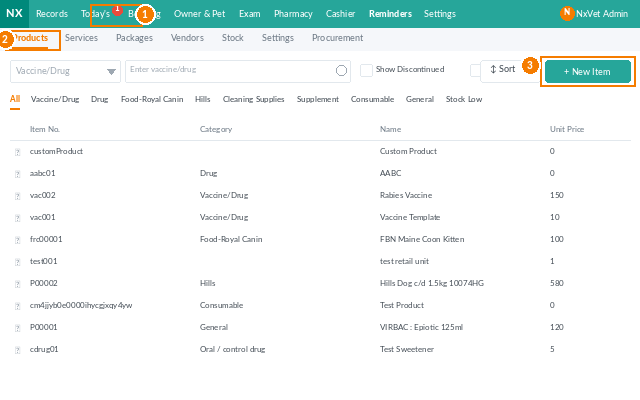
- Click + Add Product.
- Fill in the required fields:
- Product name.
- SKU / item code.
- Category — medication, vaccine, food, surgical, retail, etc.
- Unit — tablet, mL, dose, pack, kg.
- Unit price.
- Optional but recommended:
- Supplier(s) with their respective costs.
- Reorder point — trigger a low-stock alert below this number.
- Controlled drug toggle — flags the product so every dispense is logged for audit.
- Tax rate — applied at billing time.
- Image — helps front-desk staff confirm the right item.
- Click Confirm.
Receiving stock
- From the product row, click Receive Stock.
- Enter the Quantity, Batch number, Expiry date, and Supplier.
- Click Confirm. The on-hand count updates and the new batch is added to the inventory layer.
Stock adjustments
Use Adjust Stock for corrections that aren’t purchases or sales:
- Damage or breakage.
- Expiry write-offs.
- Inventory recount differences.
- Inter-branch transfers.
Each adjustment requires a reason and is logged for audit.
Tip
Set Reorder points generously for vaccines and frequently-prescribed medications. Vet supply chains are notoriously slow — a 30-day buffer is the difference between rescheduling vaccinations and running out mid-month.