

Service Catalog: Consultations, Procedures & Pricing
The Service page is the master catalog of every service the clinic offers — consultations, examinations, surgeries, dental procedures, grooming, boarding, and follow-ups. Configure pricing, duration, applicable species, and required staff once, and every appointment and bill pulls the right defaults automatically.
How to access
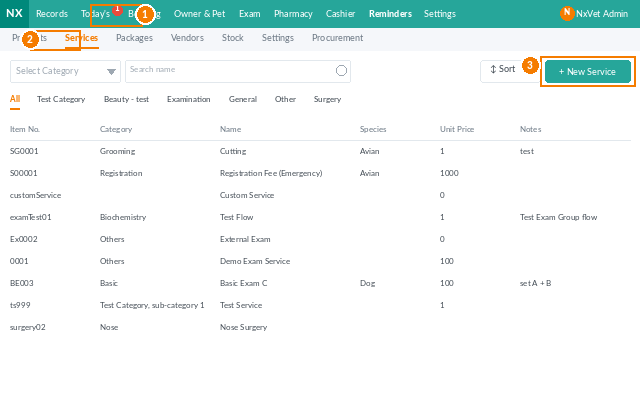
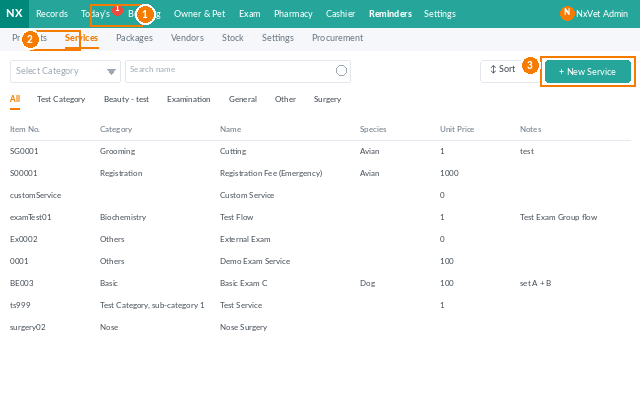
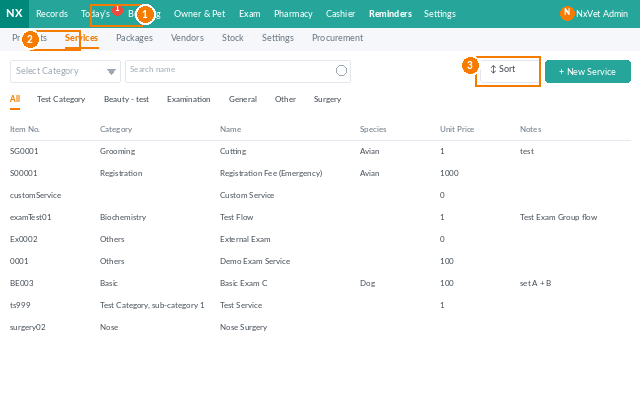
- From the main menu, click Inventory.
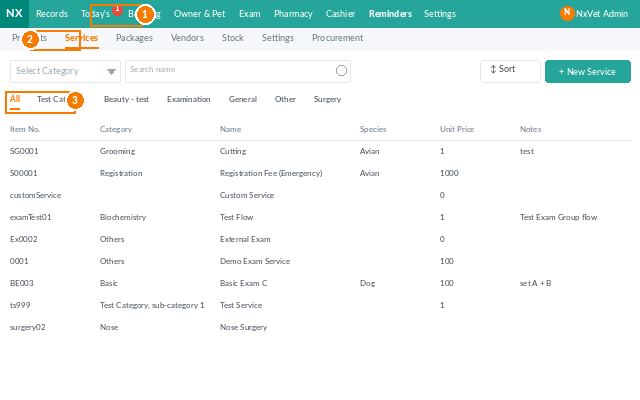
- Click the Service tab.
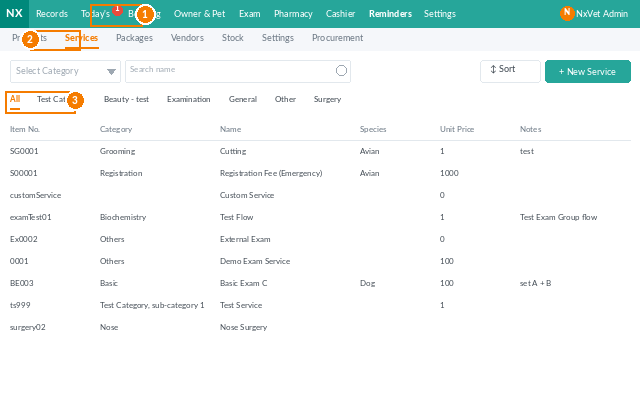
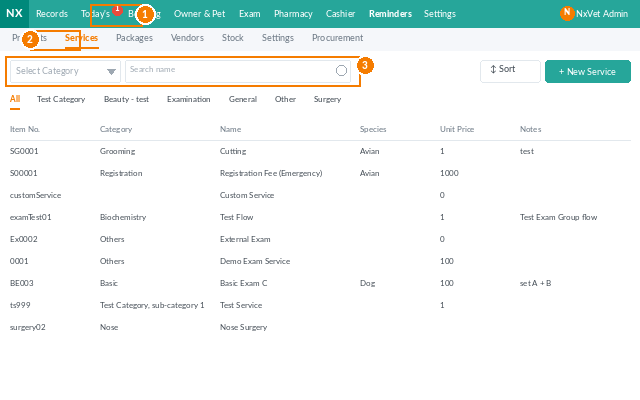
- Filter by category, species, or active/inactive status.
Adding a new service
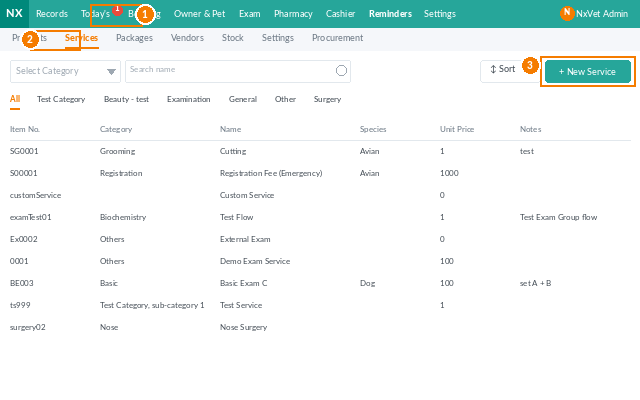
- Click + Add Service.
- Fill in:
- Service name.
- Service code.
- Category — consultation, surgery, dental, vaccination, etc.
- Default duration in minutes — used to block the calendar when booked.
- Base price.
- Optional but useful:
- Applicable species — restrict to dogs, cats, exotic, etc.
- Weight-based pricing — tiered prices for surgeries that scale with patient size.
- Required role — vet, technician, surgeon, groomer.
- Discount eligibility — whether discount codes can apply.
- Performance category — for revenue-allocation splits.
- Click Confirm.
Editing prices in bulk
- Filter the list to the services you want to update.
- Click Bulk Edit.
- Apply a flat increase, a percentage change, or set a new fixed price.
- Review the preview and click Confirm. New bills use the new prices; existing bills are unaffected.
Retiring a service
Use Set Inactive instead of Delete when you stop offering a service. Inactive services hide from booking but stay visible in historical records and reports.
Tip
Tag Default duration realistically — not the best-case time, but the average. A first-time consultation that’s booked as 15 minutes when it actually takes 30 ruins the day’s calendar by lunch. Adjust based on what reception sees over a few weeks of real bookings.