

System Reminders: Automated Alerts for Owners and Staff
System Reminders automate the message workflow between the clinic, owners, and staff. Configure when a reminder fires (vaccine due, follow-up needed, appointment tomorrow, prescription refill), and the system sends it via LINE@, SMS, or email — or pops it on the staff dashboard — without anyone lifting a finger.
How to access
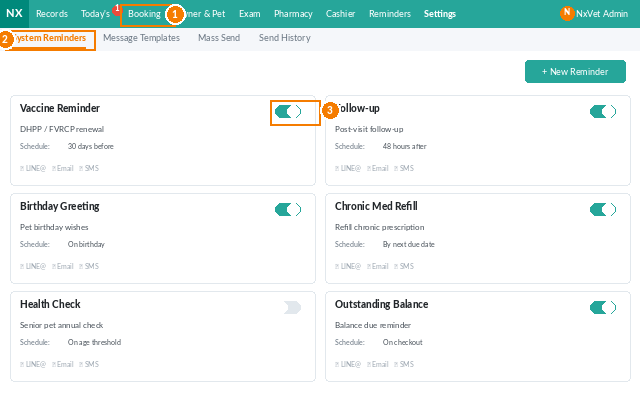
- From the main menu, click Reminders.
- Click the System Reminder tab.
- View active reminders, scheduled reminders, sent reminders, and failed reminders in separate sub-tabs.
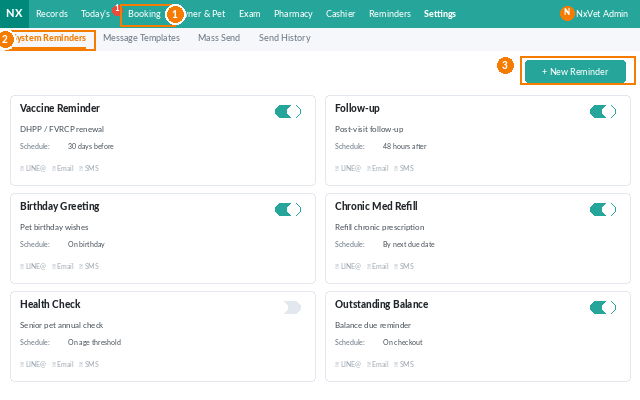
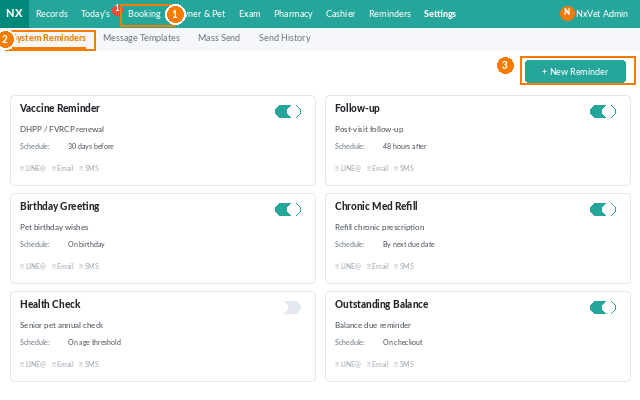
Reminder triggers
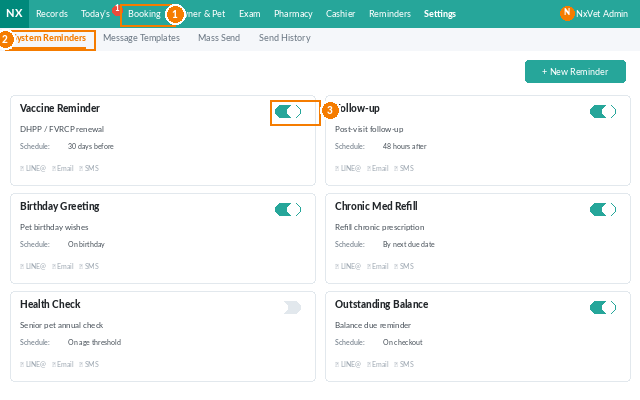
Out of the box, NxVet ships with these triggers. Toggle each on or off per branch:
- Vaccination due — X days before the booster date (configurable).
- Appointment confirmation — 24 hours before the appointment.
- Chronic medication refill — when the last dispense covers fewer than 7 days.
- Surgery follow-up — X days post-op.
- Lab results ready — when external lab results return.
- Birthday greeting — for the pet (or owner) on their birthday.
- Outstanding bill — X days after an unpaid bill is past due.
Editing a trigger
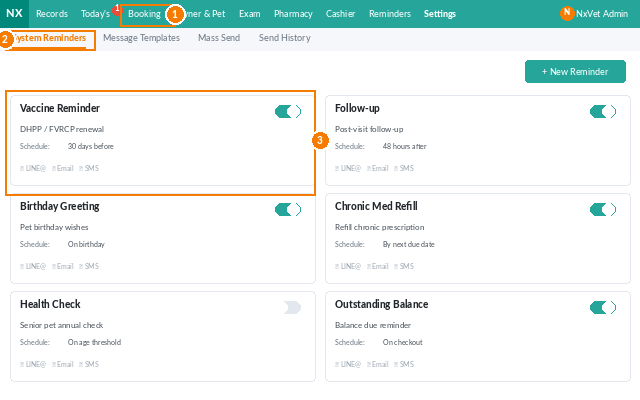
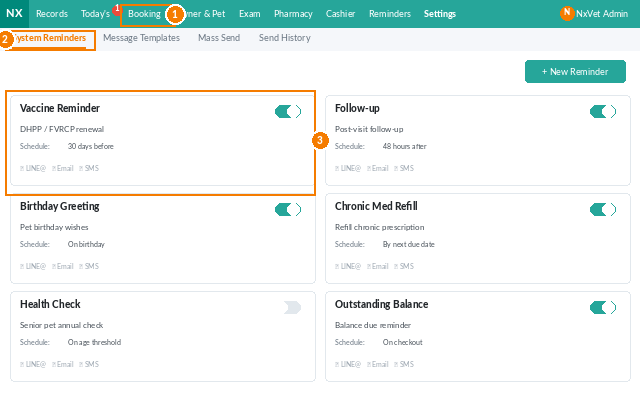
- Click any trigger.
- Adjust:
- Timing — how many days before/after the trigger event.
- Channels — LINE@, SMS, email, in-app, or any combination.
- Template — pick a message template (configure in the next tab).
- Quiet hours — don’t send between certain hours.
- Click Confirm.
Reviewing sent and failed reminders
- The Sent tab shows every successful delivery with timestamp, recipient, channel, and message preview.
- The Failed tab lists delivery errors — invalid phone numbers, blocked LINE accounts, bounced emails. Click any row to retry or update the contact info.
Manual reminders
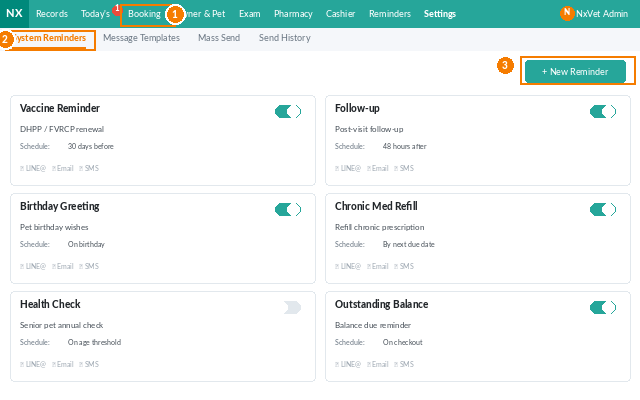
For one-off messages (e.g., “new product launch”), use the Bulk Send action: filter owners by tag, pick a template, schedule the send.
Tip
Review the Failed tab weekly. Most failures are stale phone numbers from owners who haven’t updated their info in years. Reception staff can clean these up in 15 minutes and dramatically improve campaign reach.