

Message Templates: Reusable Text for Reminders and Campaigns
Message Templates are the reusable content blocks that System Reminders, Bulk Sends, and manual messages pull from. Define a template once with merge variables (pet name, owner name, appointment date), and every reminder is personalized automatically.
How to access
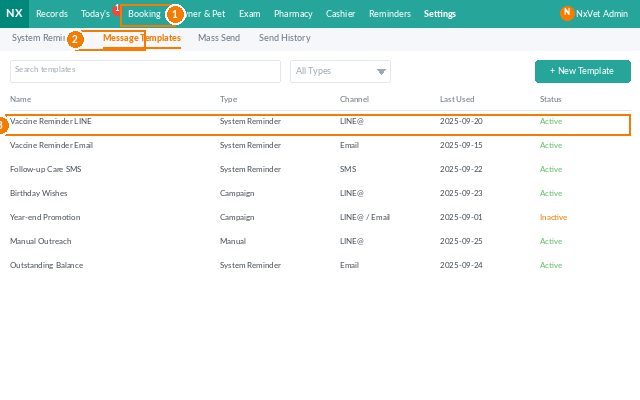
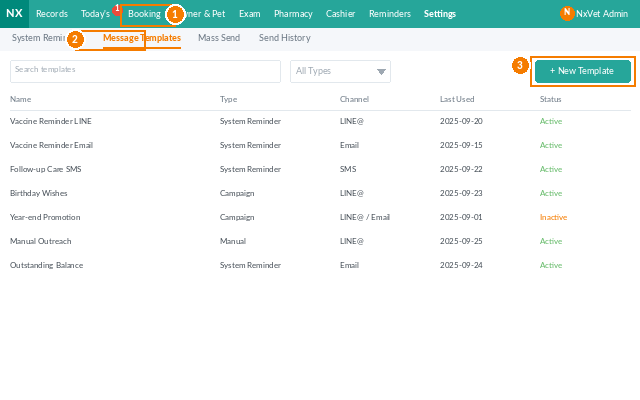
- From the main menu, click Reminders.
- Click the Message Template tab.
- Filter by template category (appointment, vaccine, billing, birthday, etc.) or by channel (LINE@, SMS, email).
Creating a template
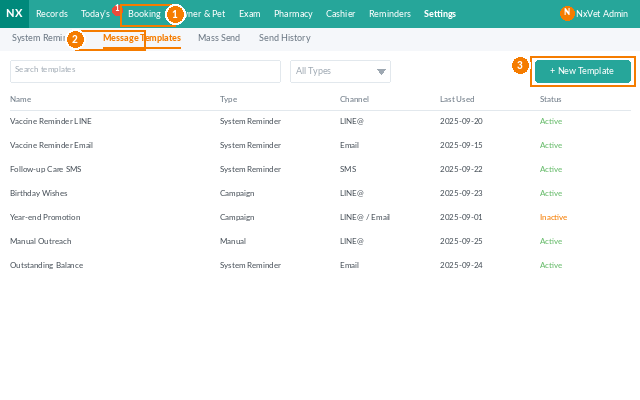
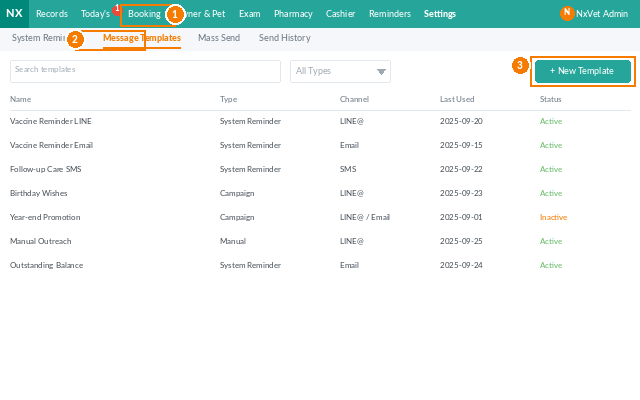
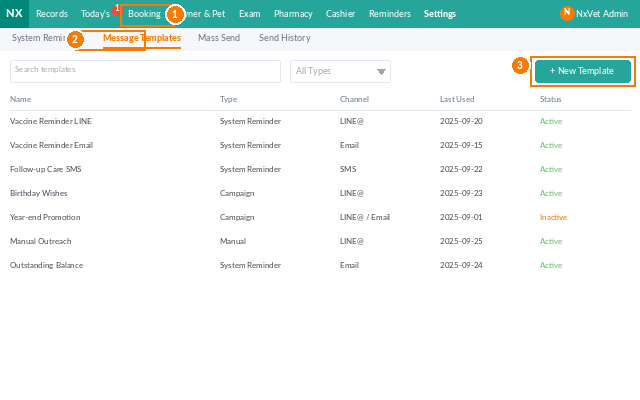
- Click + Add Template.
- Fill in:
- Template name — for internal reference (e.g., “Vaccine Due 7 Days”).
- Category.
- Channel — LINE@, SMS, email. Each has its own length and formatting rules.
- Subject (email only).
- Body — type the message. Click Insert Variable to add merge fields.
- Click Preview to render the template with a sample pet/owner.
- Click Confirm.
Available merge variables
{pet_name},{pet_species},{pet_breed},{pet_dob}.{owner_name},{owner_phone}.{appointment_date},{appointment_time},{attending_vet}.{clinic_name},{clinic_phone},{clinic_address}.{vaccine_name},{vaccine_due_date}(vaccine reminders).{bill_amount},{bill_due_date}(billing reminders).
Multi-language templates
Each template can have variants per supported language (English, Traditional Chinese, Simplified Chinese, Thai, Vietnamese, etc.). The system picks the variant matching the owner’s preferred language — or falls back to the clinic default.
Editing or retiring a template
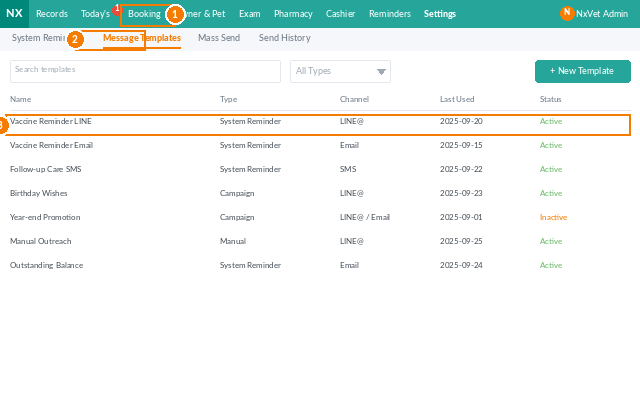
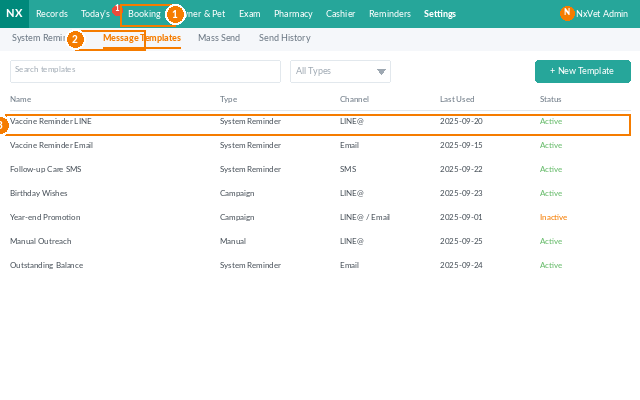
- Click any row to edit.
- Use Set Inactive to retire a template without breaking historical message records.
Tip
Keep SMS templates under 70 characters per segment. SMS providers charge per segment; a 200-character message costs 3x what a 70-character message does. For longer content, use LINE@ or email instead — both are typically free or much cheaper.